Updated July 2026 to reflect the app as it is today, including category colors.
Core architecture
Lekkalu is built around a few simple, powerful systems: categories, accounts, budgets, and goals, all working together to give you a clear picture of your money. Categories sit at the center of everything. Every transaction, reminder, budget line, and goal uses categories, so your data stays organized and easy to read.
What are categories?
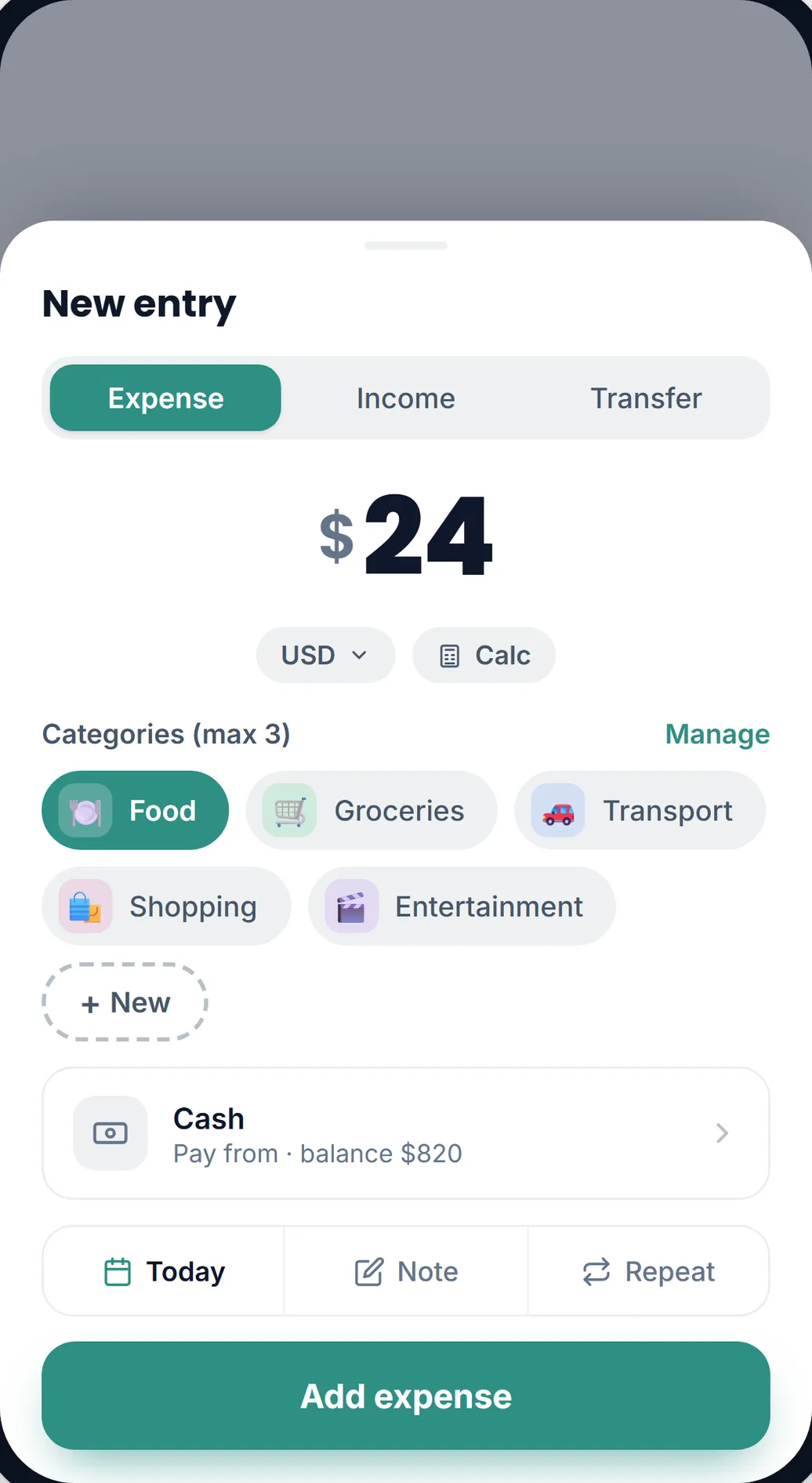
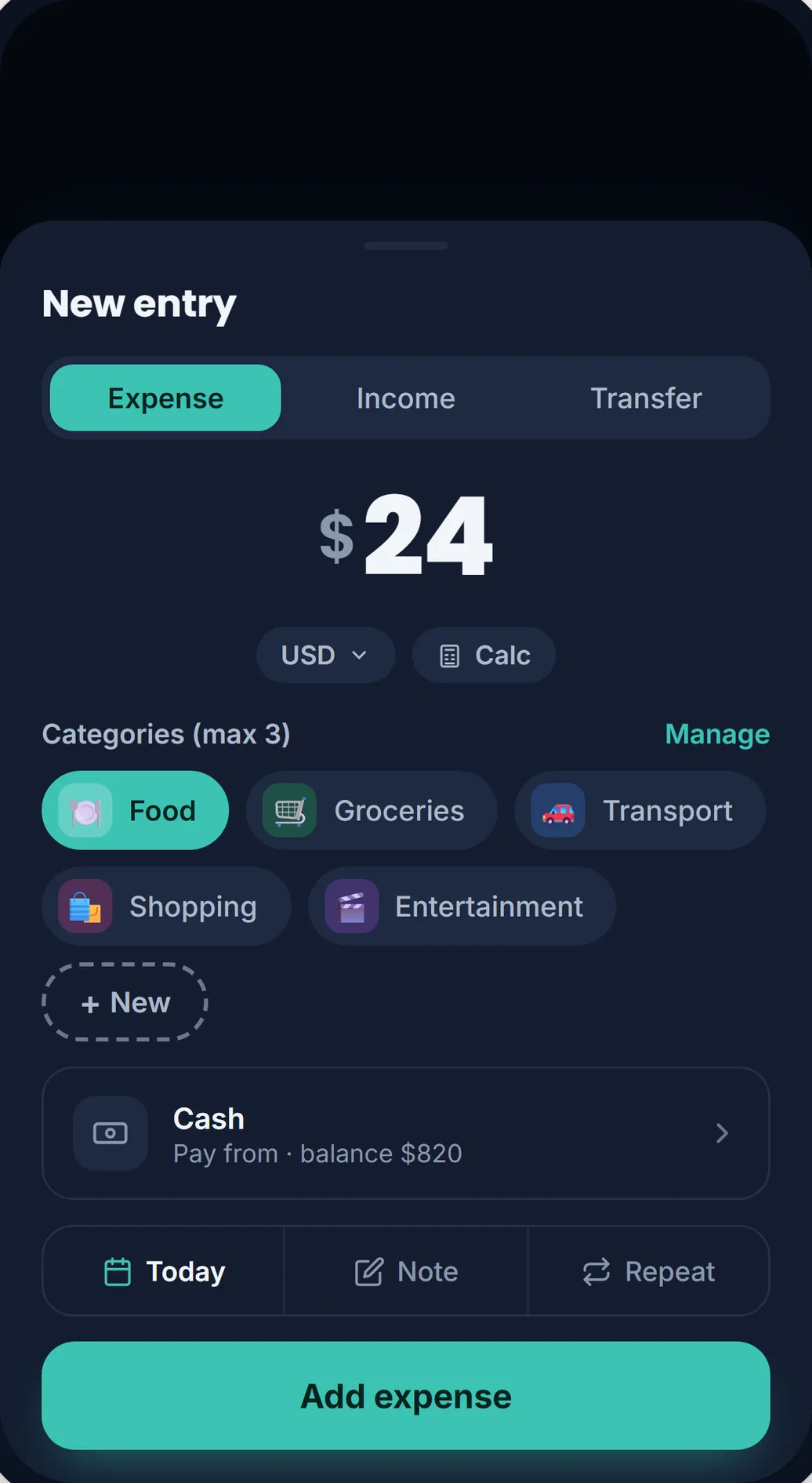
A category is a label you attach to a transaction, reminder, or goal so you can later see where your money went and why. A transaction can carry up to three categories, which lets you track the purpose (like Food) and the context (like a particular trip or project) at the same time.
Creating and managing categories
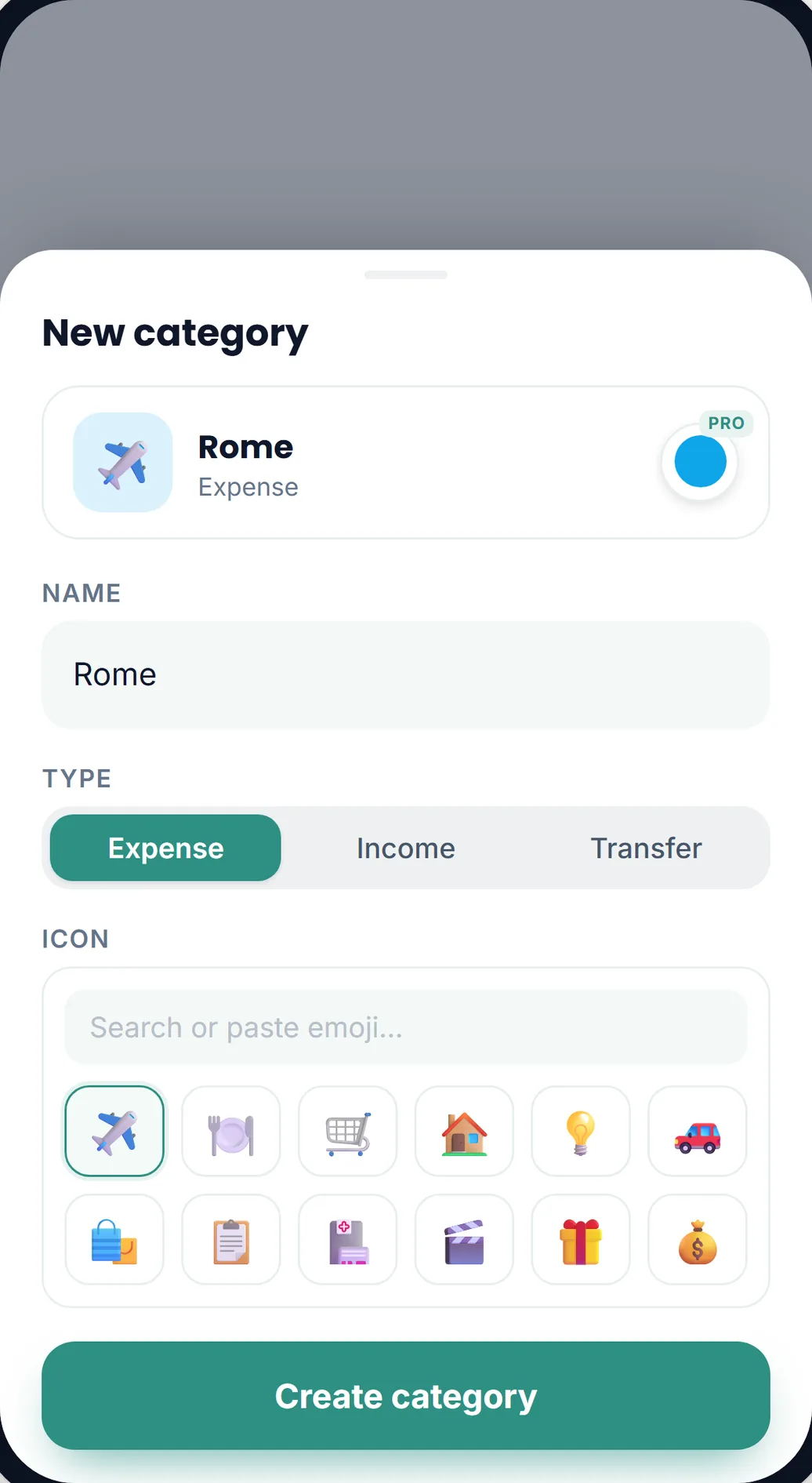
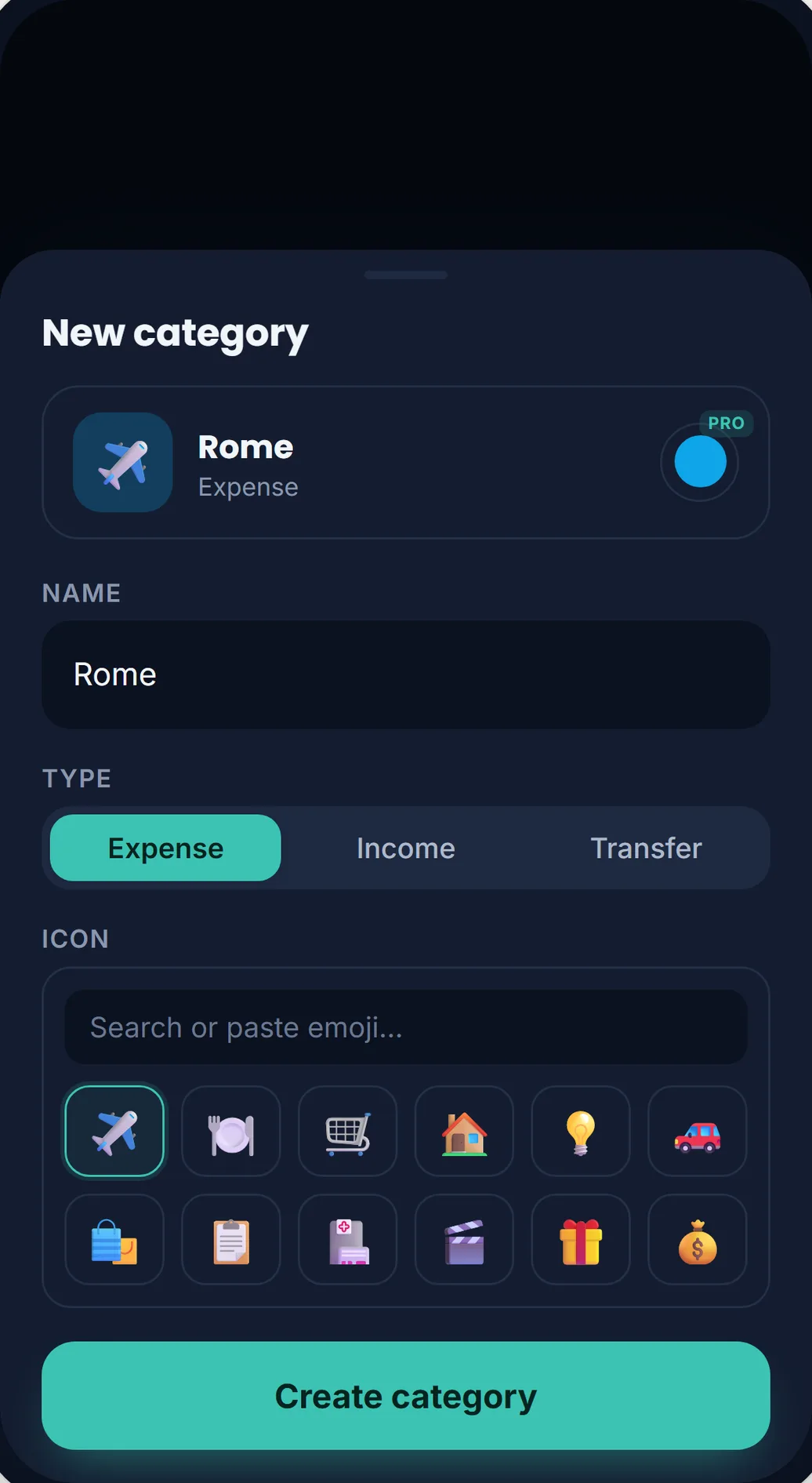
You can create your own categories with any emoji and any name you like, and each one has a type: expense, income, or transfer. You never have to leave your flow to do it. The category picker sits inside the forms you already use, so while adding a transaction you can tap New to create a category, or tap Manage, pick a category, and edit or delete it right there.
Each type holds up to 15 categories. That ceiling is deliberate: it keeps the picker quick to scan and your charts easy to read. A short list of categories you actually use beats a long one you have to hunt through. If you ever hit the limit, delete a category you no longer use and create the new one in its place.
Every category has a color
Each category gets its own color automatically when it is created. That color follows it across the whole app: the soft tint behind the emoji in your transaction list, the arcs of the budget ring, and your charts and reports. Once your eyes learn that green is Groceries and blue is Transport, you can read a screen at a glance. Picking custom colors per category is on the way as part of Lekkalu Pro.
Using categories smartly
Categories power your charts, reports, budget, and goal tracking, turning raw numbers into something you can act on. To track a trip to Rome, for example, create a category called Rome with a plane icon, then tag spending as Rome plus Food or Rome plus Transport. You get the total cost of the trip and your usual food spending for the month, from the same entries. You can even create a goal for the trip and link it to the same category to watch your progress.
Privacy and feedback
Like everything in Lekkalu, your categories and the transactions behind them are encrypted on your device. Nobody else can read them, including us.
Donations keep the app alive and support the development effort. Donate
Have questions or feedback? Email us at contact@lekkalu.app.